Before replacing your Buick key
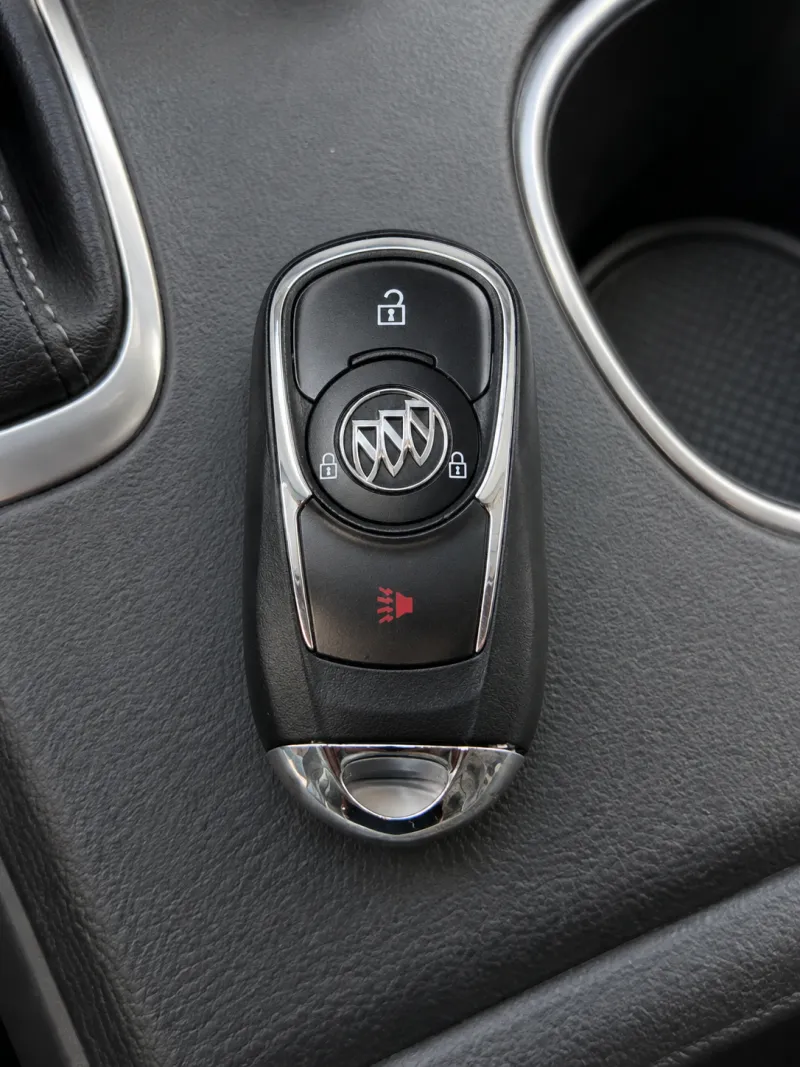
For an Enclave or Envision, note whether the vehicle has push-button start and whether the existing remote includes liftgate or remote-start controls. A matching button layout alone does not establish compatibility.
Buick keys & key fobs
 View photo
A useful detail for your enquiry
A spare key can be discussed while you still have a working one. If none remain, tell dispatch at the start of the call.
Buick key questions
Why specify Encore versus Encore GX?
Use the complete vehicle name on your paperwork when asking about a Buick key. Include the year and starting setup rather than selecting a remote from the Encore name alone. If a replacement has already been bought, provide its part information for review first.
What functions should an Enclave or Envision spare cover?
List the fitted remote controls, including liftgate or remote start where present, and say whether the spare must start the vehicle. Compare quotes for that same set of functions. A matching button count is useful to describe the original, but is not a compatibility guarantee.
Identify your Buick model
Buick Encore
Keep Encore and Encore GX requests distinct
Buick Encore GX
Verify Encore GX parts before booking programming
Buick Enclave
List the Enclave functions needed by family drivers
Buick Envision
Record an Envision remote-start complaint
Buick LaCrosse
Assess a LaCrosse blade that no longer turns smoothly
Buick Regal
Include the Regal body designation in a key enquiry
Check your exact vehicle
Model names identify your enquiry; they do not confirm every year or key system. Parts, programming support and mobile availability are checked before booking.
Choose the service for your situation
Arrange Buick key service
- Full Buick model and year, plus the starting method
- Remaining keys and the functions each provides
- Vehicle location, photo ID and ownership or authorization